How to install Java Development Kit 21
Java Development Kit is required for developing and running Java applications, such as Arcturus Morningstar.
Installing on Windows
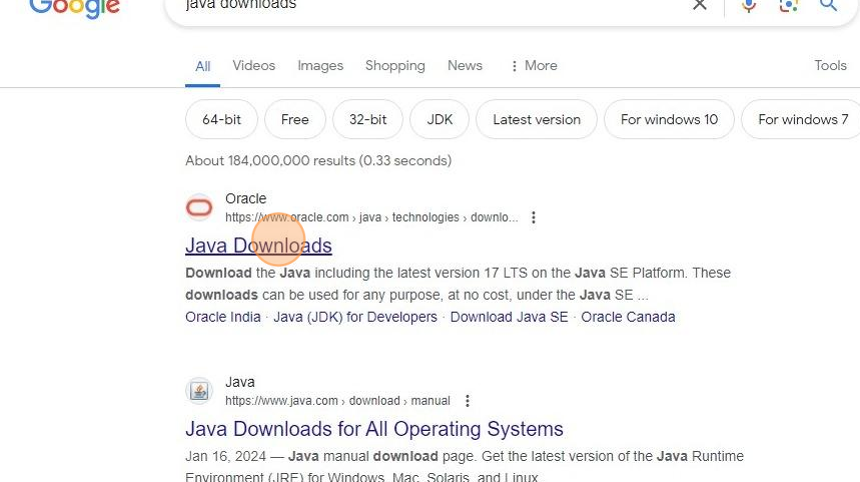
1. Find and open the Oracle Java Downloads website (https://www.oracle.com/uk/java/technologies/downloads/)
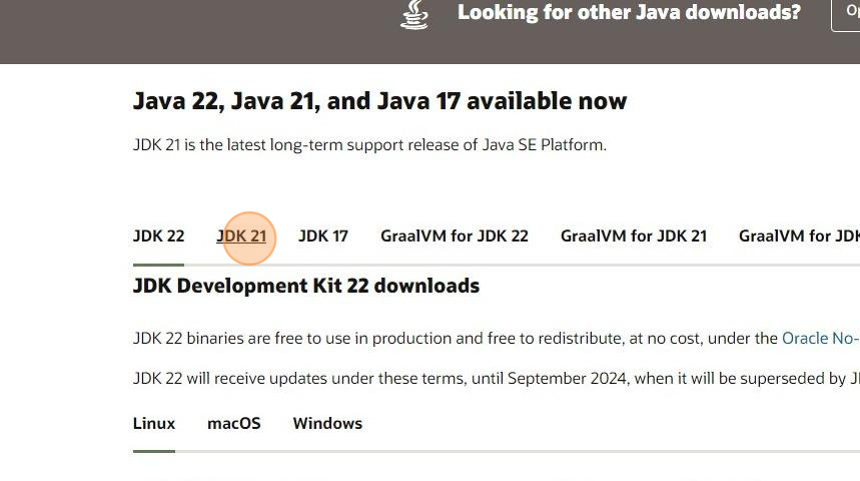
2. Select the version "JDK 21"
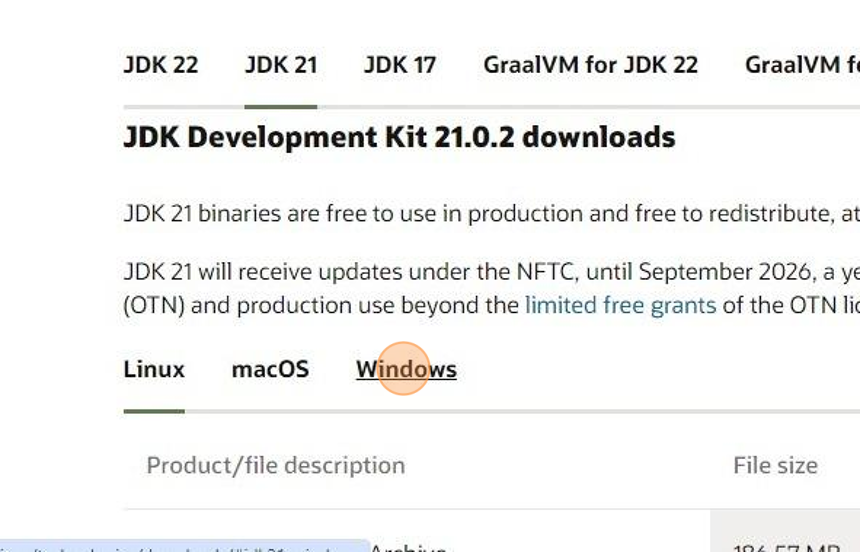
3. Select "Windows"
4. Click the link to download the installer
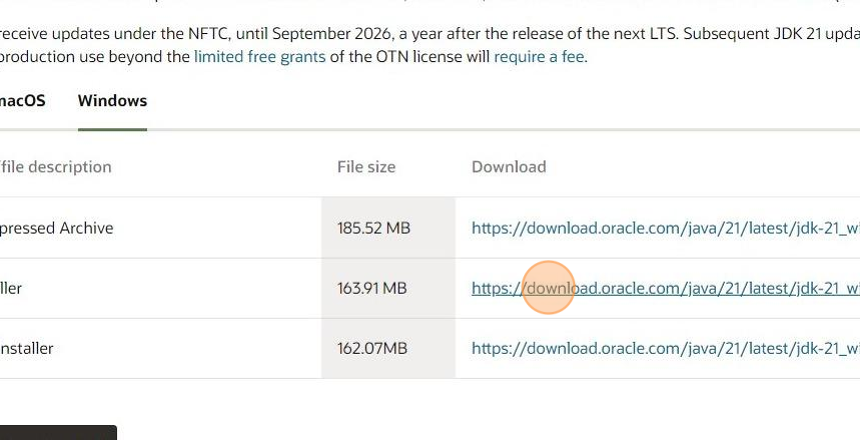
5. Once downloaded, run the installer

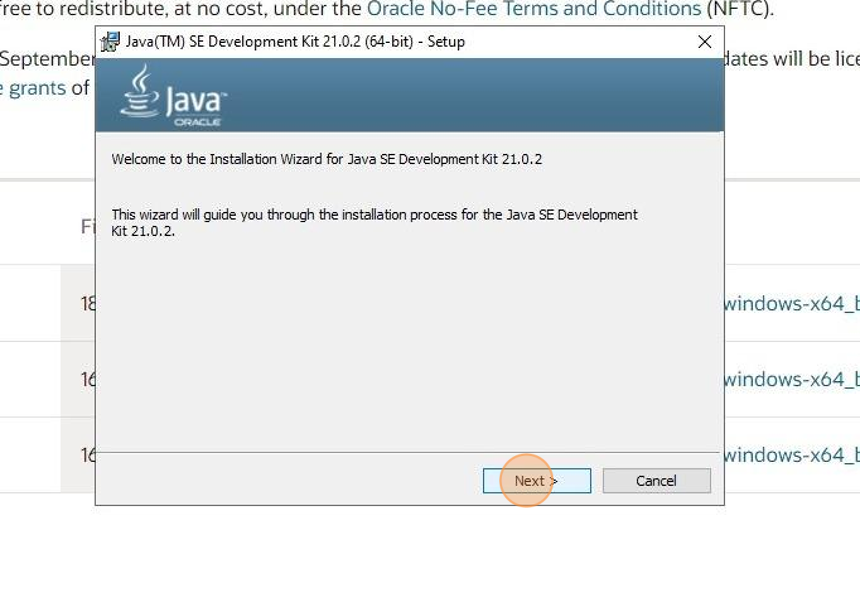
6. Click "Next >"
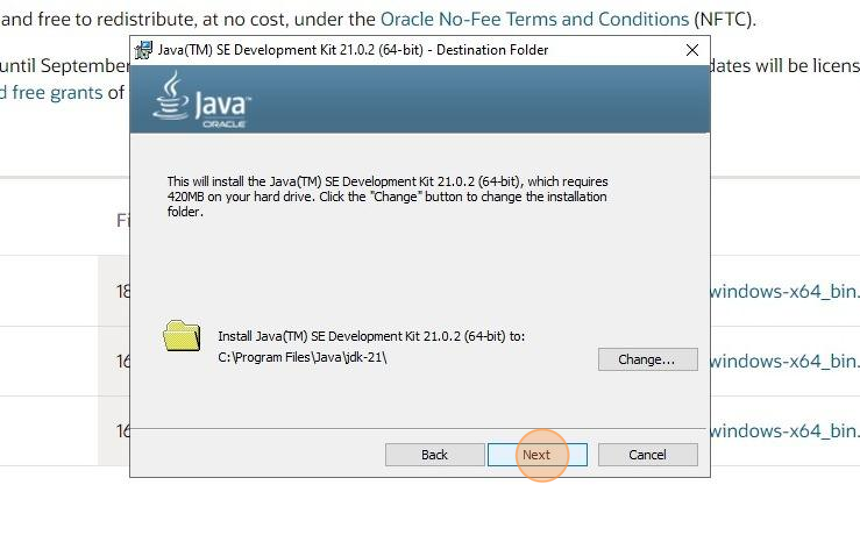
7. Choose where to store the files and click "Next"
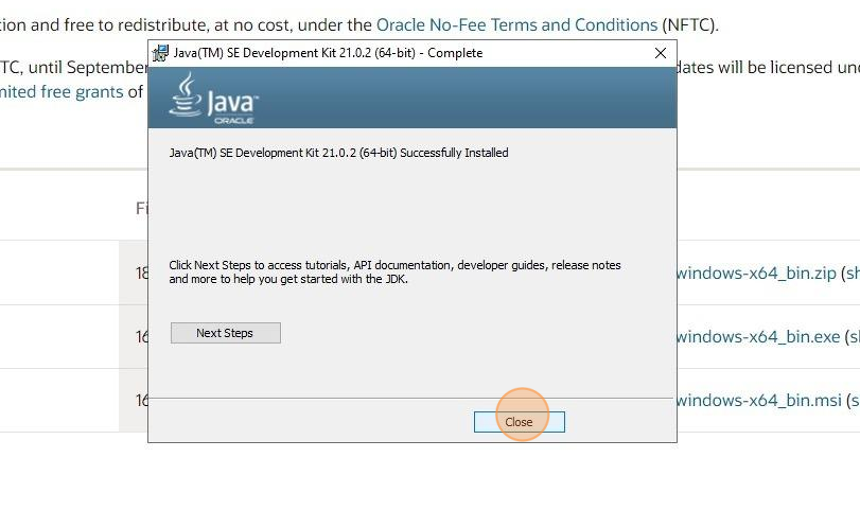
8. The install is now finished! Click "Close" to end the installation.