How to install MariaDB
MariaDB is a free MySQL Database Server, which is used to store the data used by CMS & Emulators.
Installing on Windows
1. Find and open the Download MariaDB Server website (https://mariadb.org/download/)
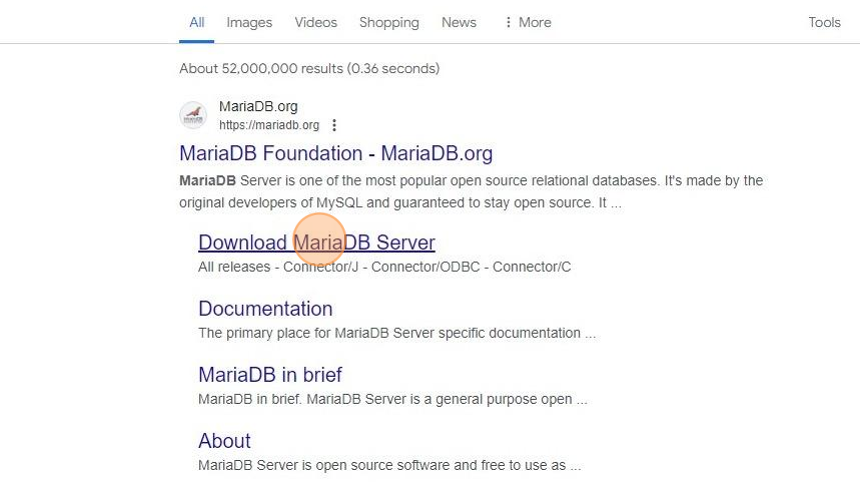
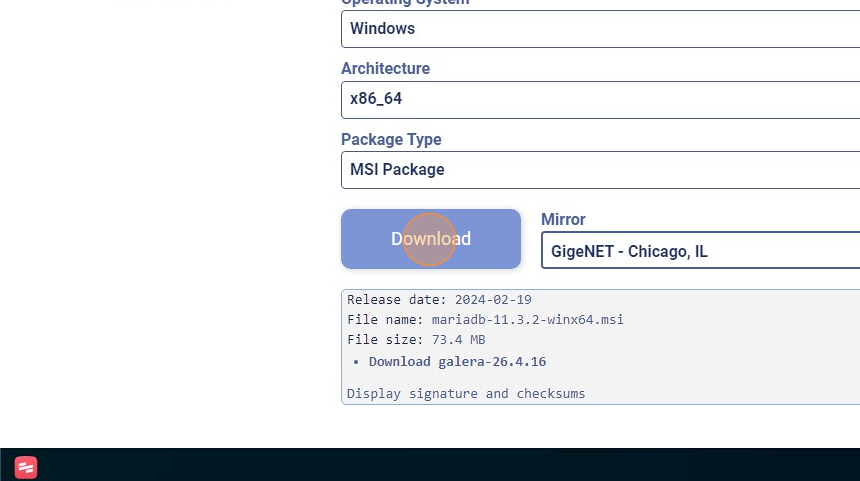
2. Make sure you selected Windows then click the "Download" button, which will start downloading the installer
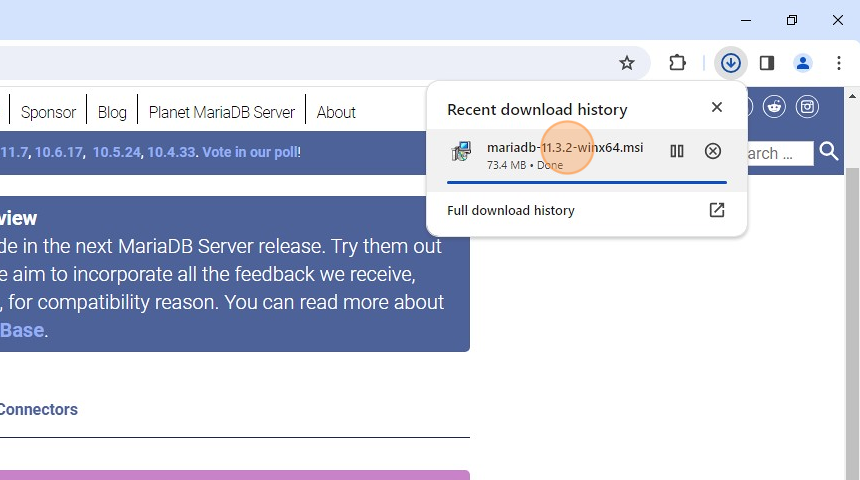
3. Once downloaded, run the installer
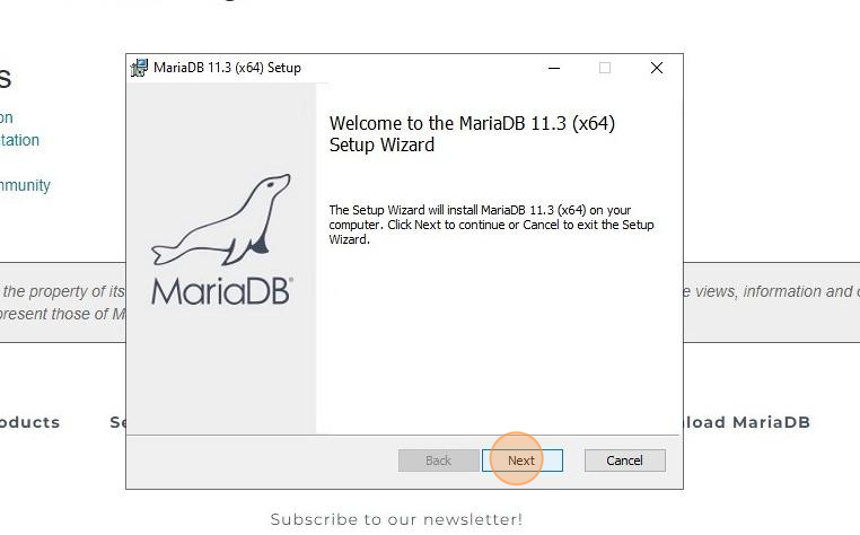
4. Click "Next"
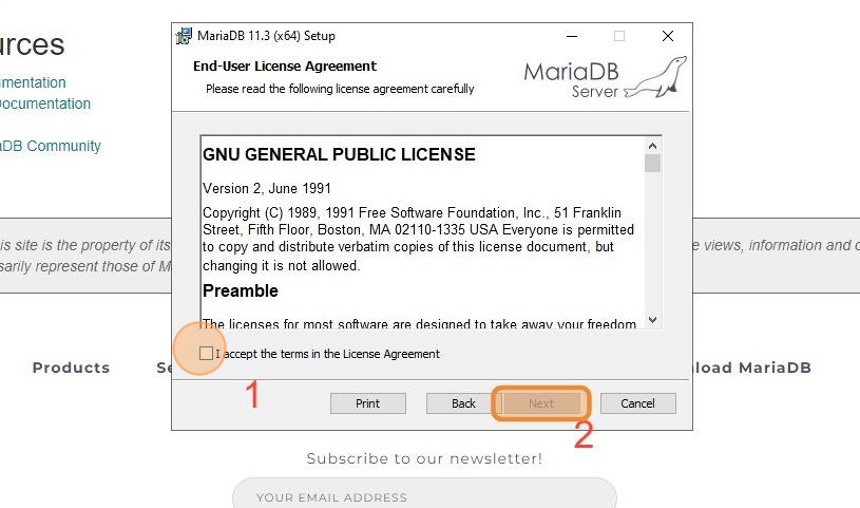
5. Click "I accept the terms in the License Agreement" and then "Next"
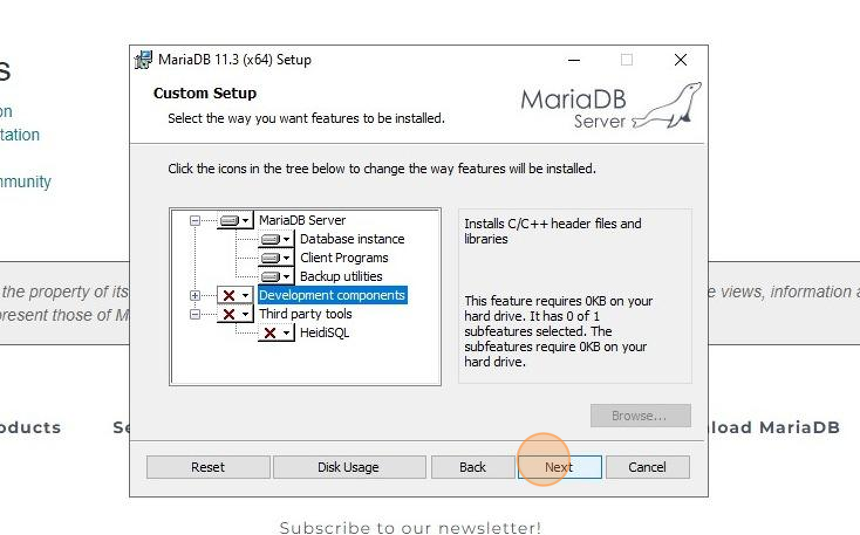
6. Set "Third party tools" and "Development components" to "Entire feature will be unavailable", then click "Next"
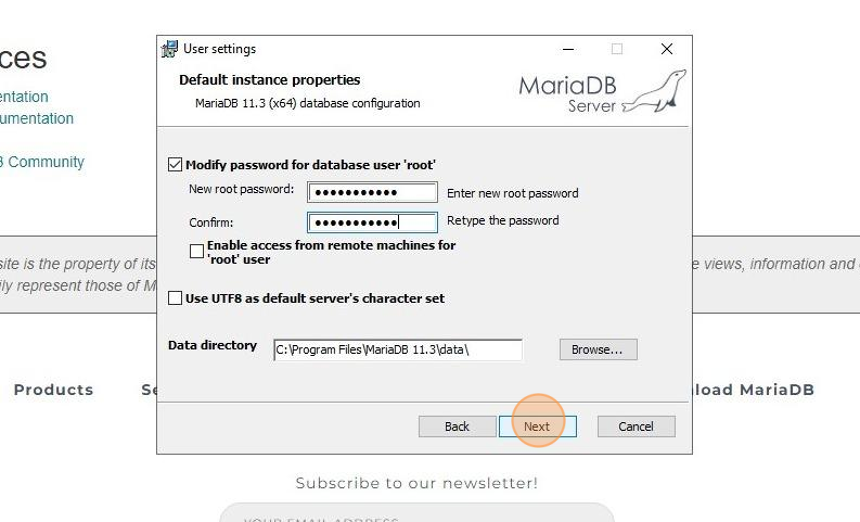
7. Create a secure root user password in the password field, then click "Next".
The "root" user is the main administrator account in a MySQL system. You will need it again in the future, so remember it!
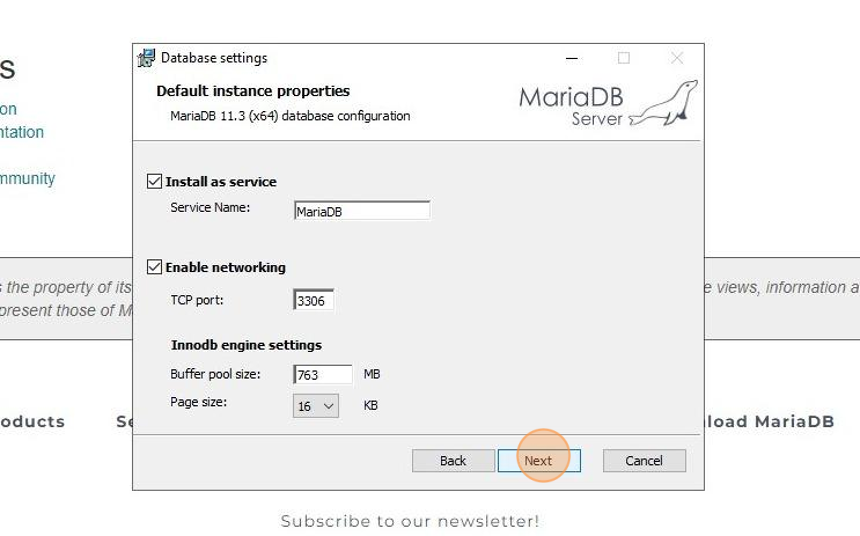
8. Configure the following settings and click "Next".
- "Install as service" means MariaDB will start automatically when the computer is booted.
- You should keep "enable networking" active, so you can connect to it. TCP port 3306 is the standard MySQL port.
- "Innodb engine settings" can be increased for better performance. Set the pool size to around 60% of your total RAM size.
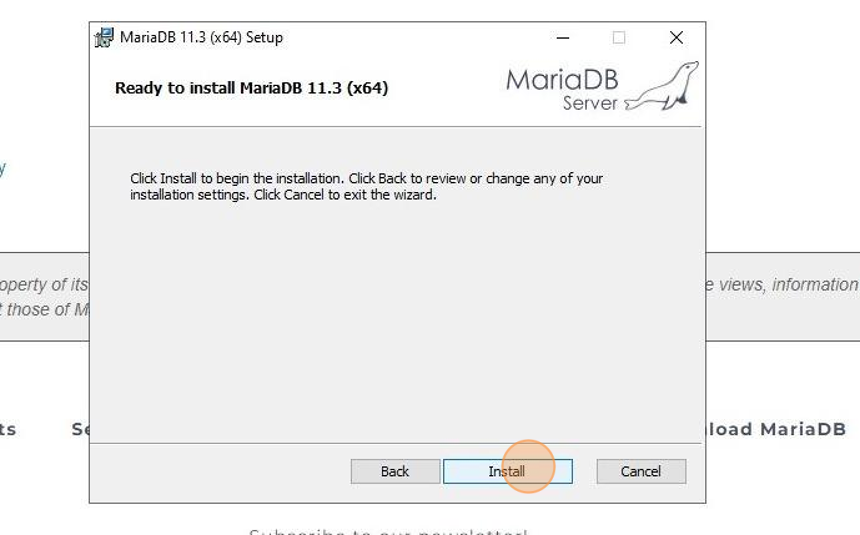
9. Click "Install"
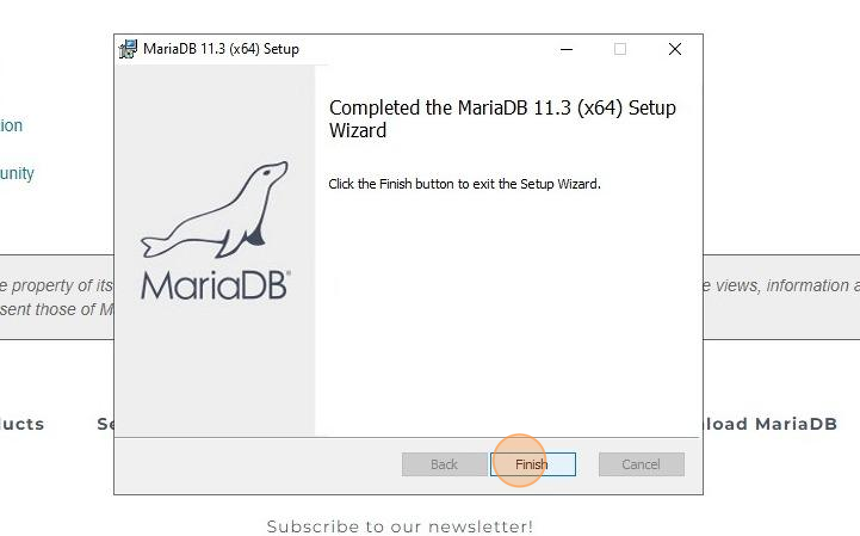
10. Click "Finish"
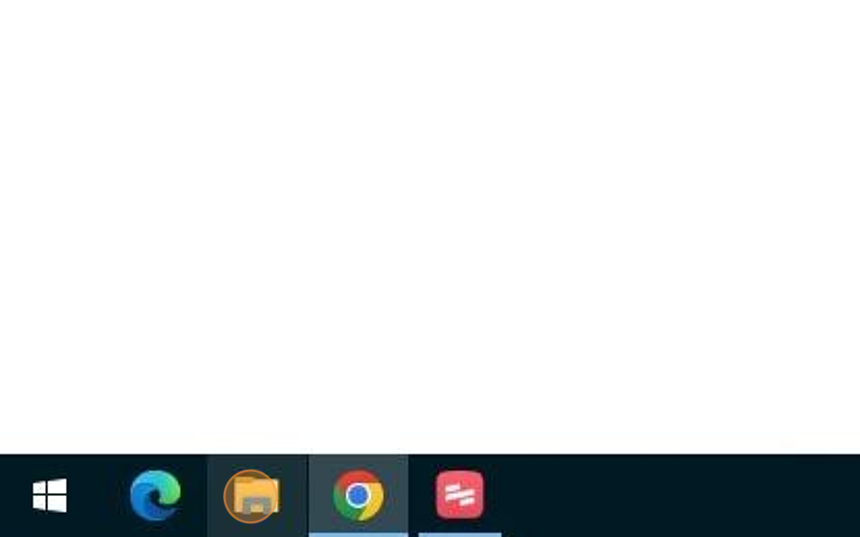
11. Now we're going to add a new setting to MariaDB, which allows us to upload large SQL files.
Click "File Explorer"
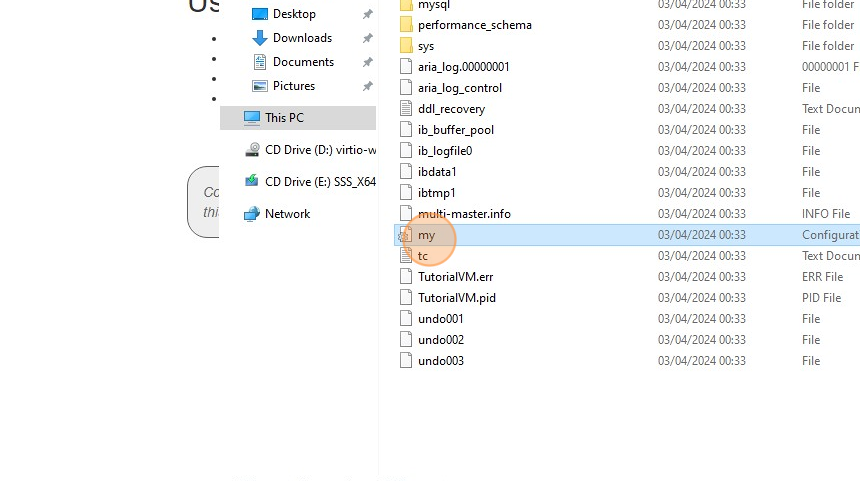
12. Go to the location you installed MariaDB.
By default this is C:\Program Files\MariaDB 11.3\

13. Enter the folder named data

14. Open the my.ini file in a text editor (such as Notepad)
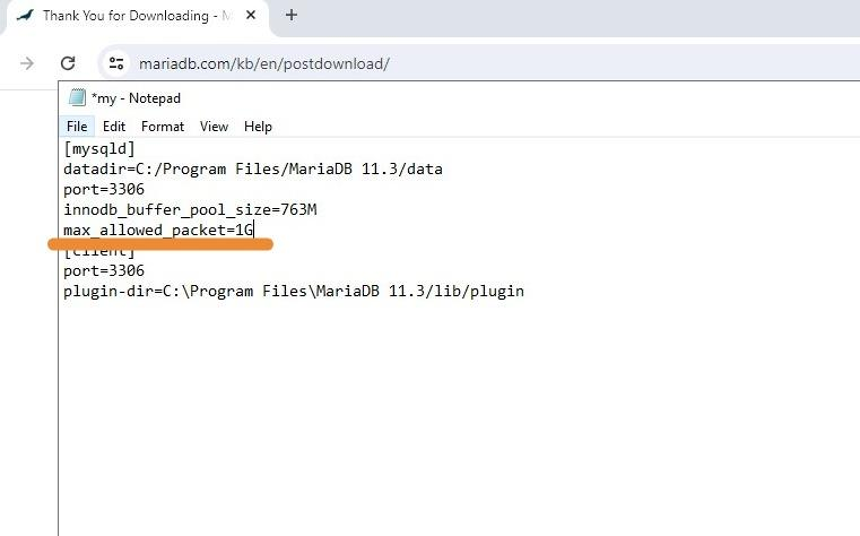
15. Add the following line into the [mysqld] section:max_allowed_packet=1G
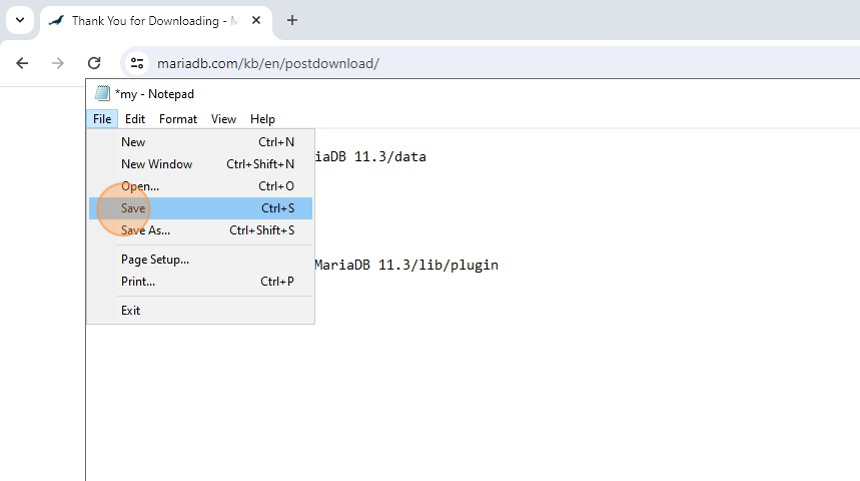
16. Save the file
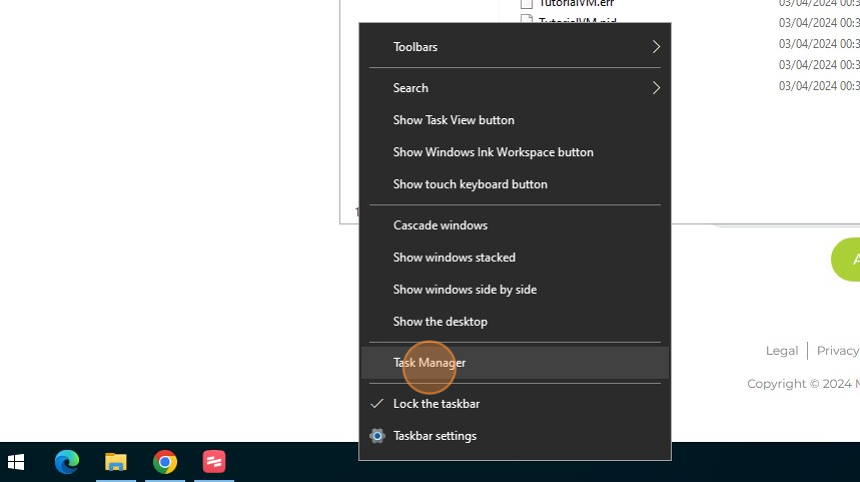
17. Open "Task Manager"
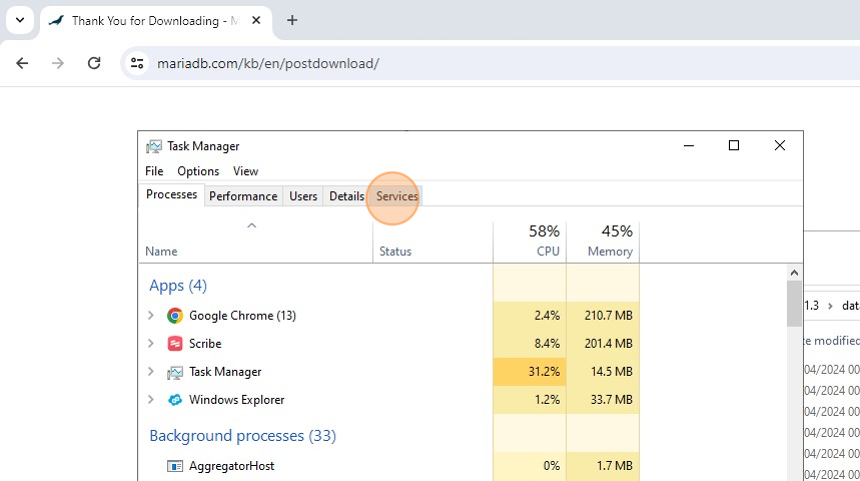
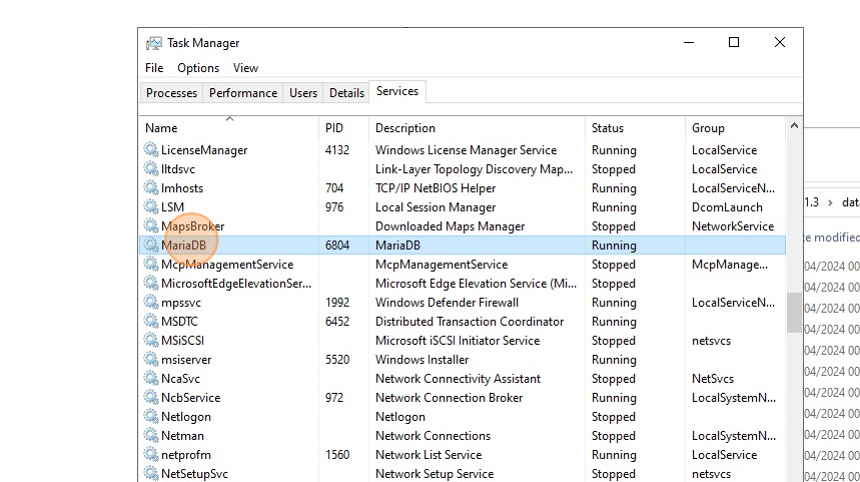
18. Click "Services"
19. Right click "MariaDB"
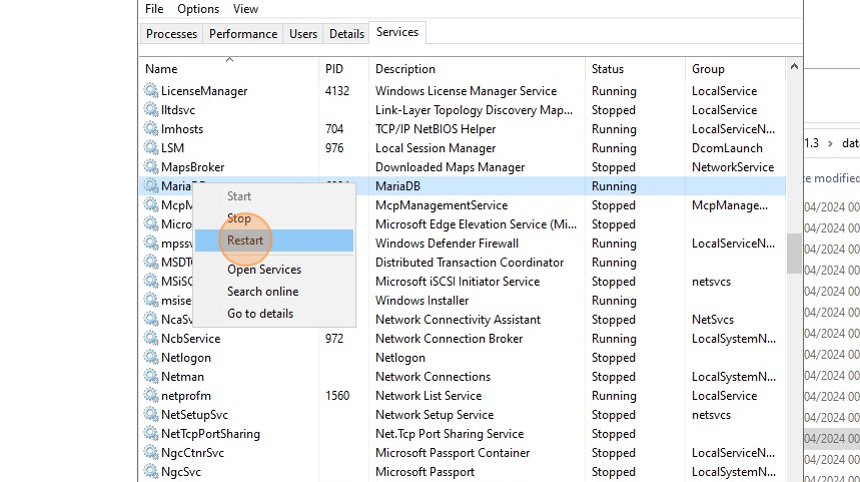
20. Click "Restart"
21. MariaDB is now installed!
Follow our guide on How to install Navicat for MariaDB for instructions on how to install a tool for connecting and managing databases.