How to install & use Navicat for MariaDB
Navicat is a database management tool, which can be used to manage the SQL servers.
Installing on Windows
1. Go to the Navicat for MariaDB website (https://www.navicat.com/en/download/navicat-for-mariadb)

2. Click the "Trial" button in the header

3. Click "Direct Download (64 bit)" to download the installer

4. Once downloaded, run the installer

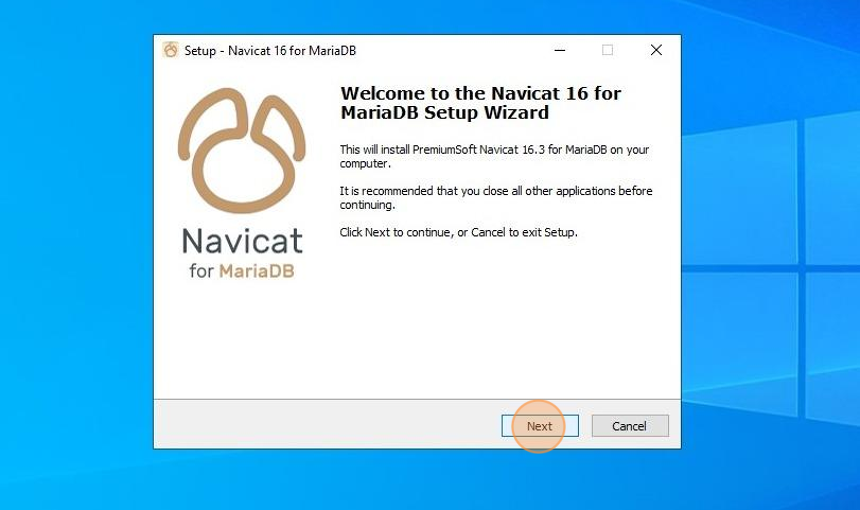
5. Click "Next"
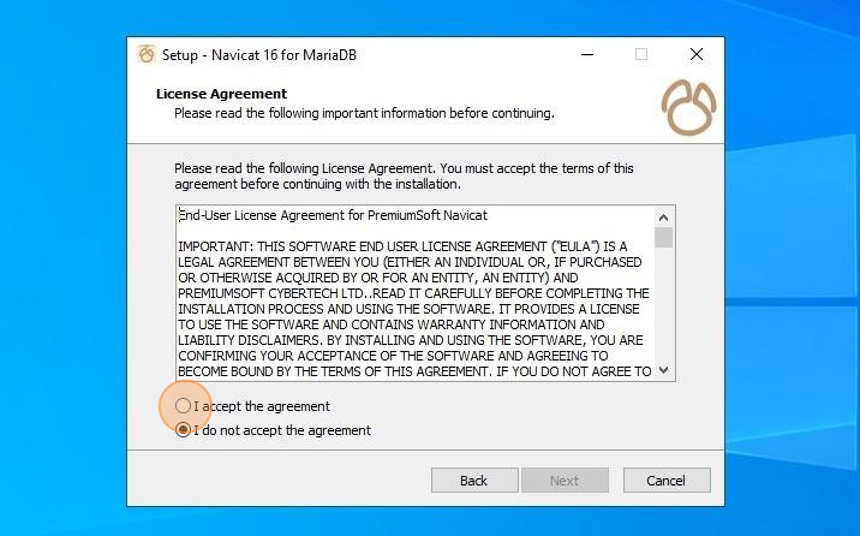
6. Click "I accept the agreement" and "Next"
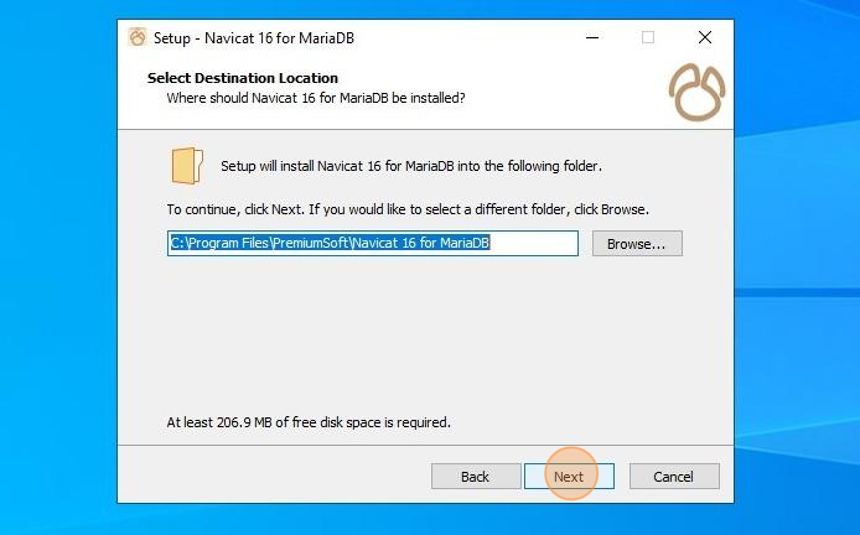
7. Choose where to install the files and click "Next"
8. Click "Next"
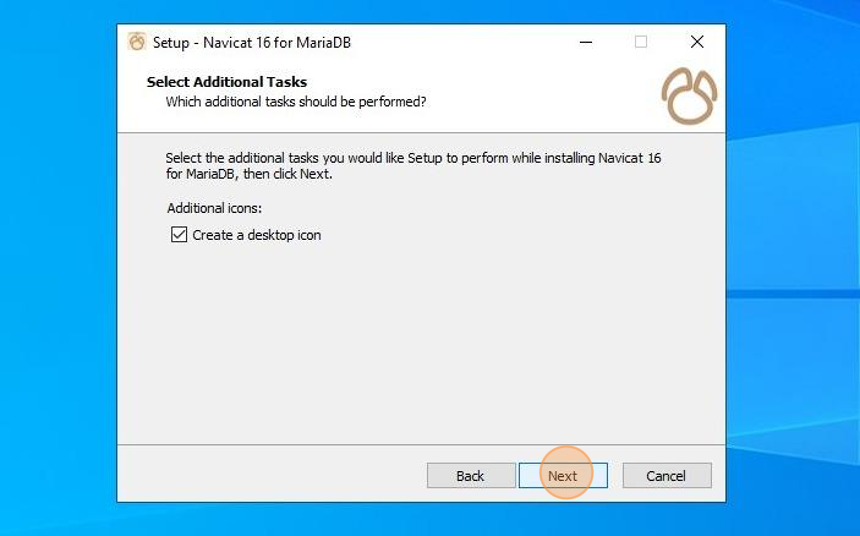
9. Click "Install"
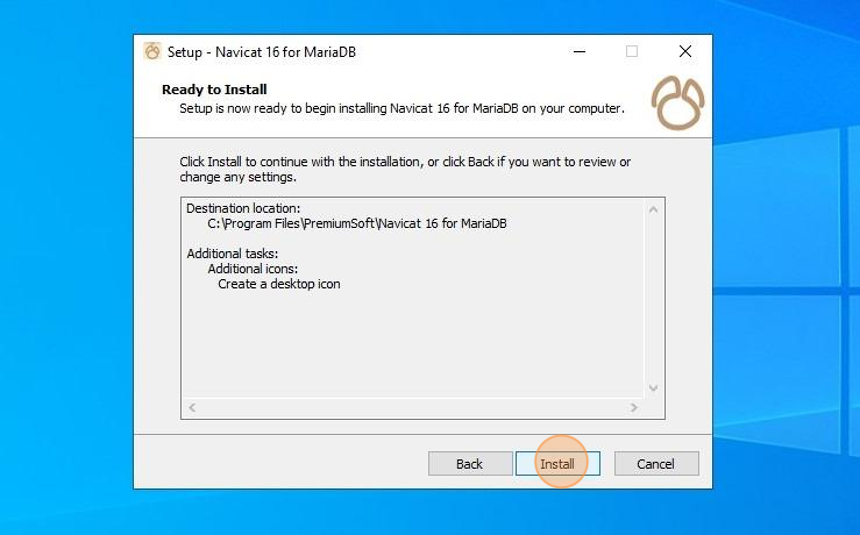
10. Wait for the installation to finish and then click "Finish"
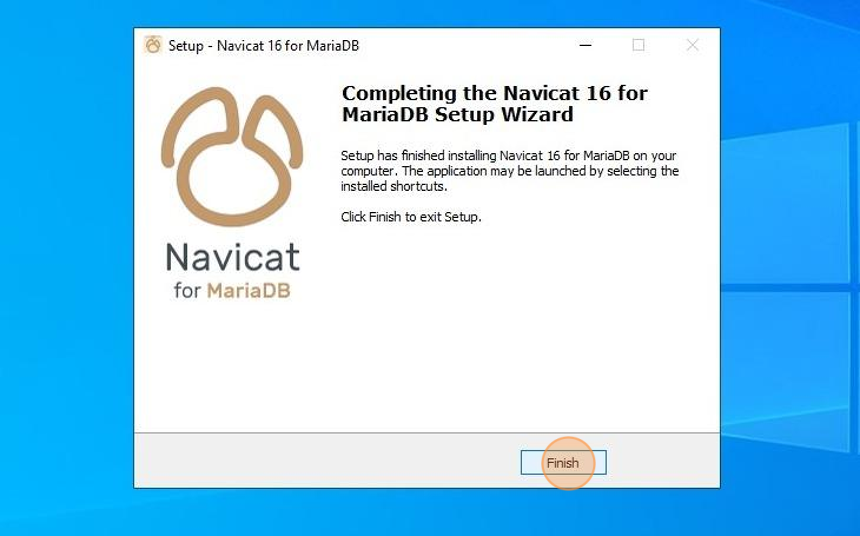
11. Open "Navicat 16 for MariaDB" from your desktop or start menu

12. Click "Trial"
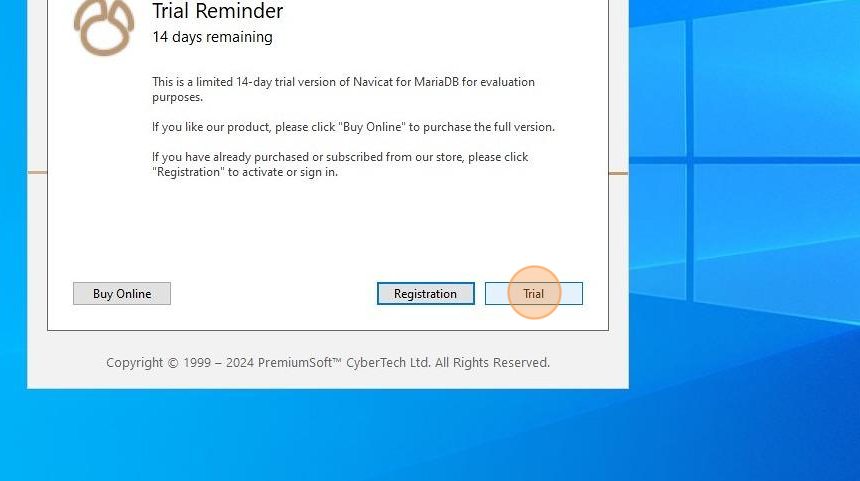
13. Skip through the welcome tutorial

14. Navicat for MariaDB is now installed!
Connecting to a MariaDB server
15. Click "Connection"

16. Click "MariaDB..."

17. Enter the connection name, server host, port, username and password.

18. Click "OK"

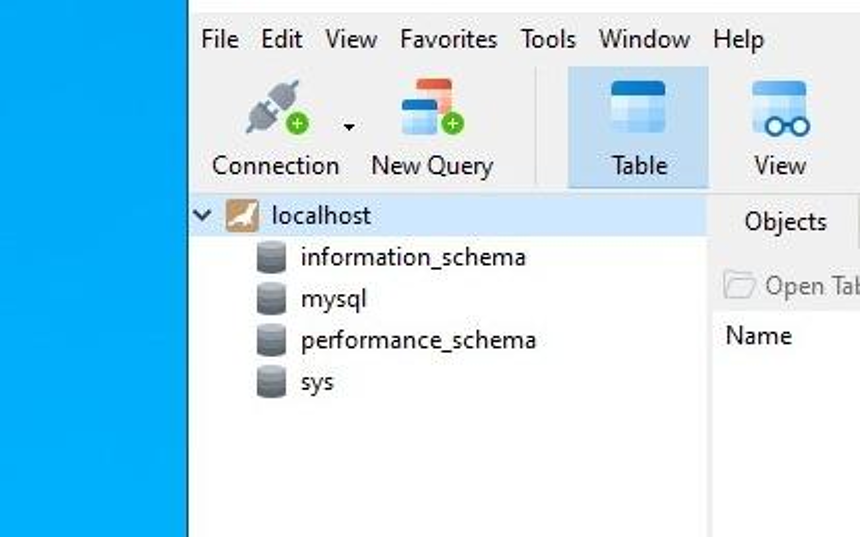
19. Double-click the new connection

20. If the databases load, then you have successfully connected!
Creating a new database
21. Right click your connection
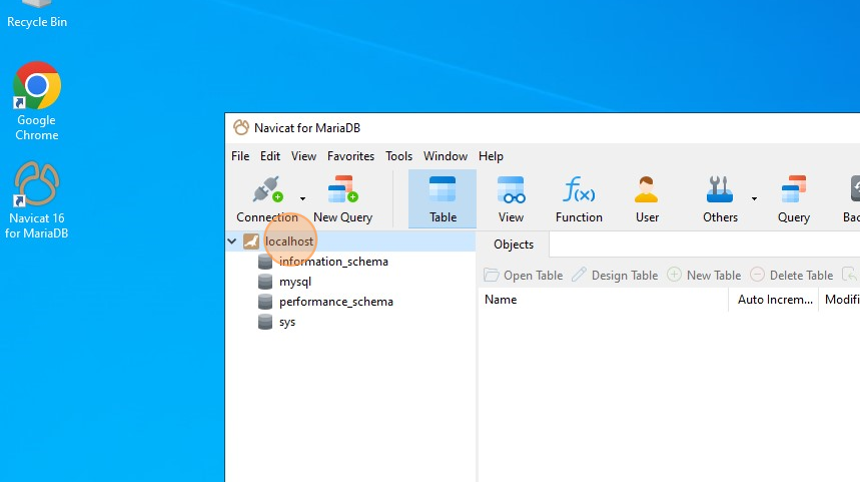
22. Click "New Database"

23. Enter a name for the database

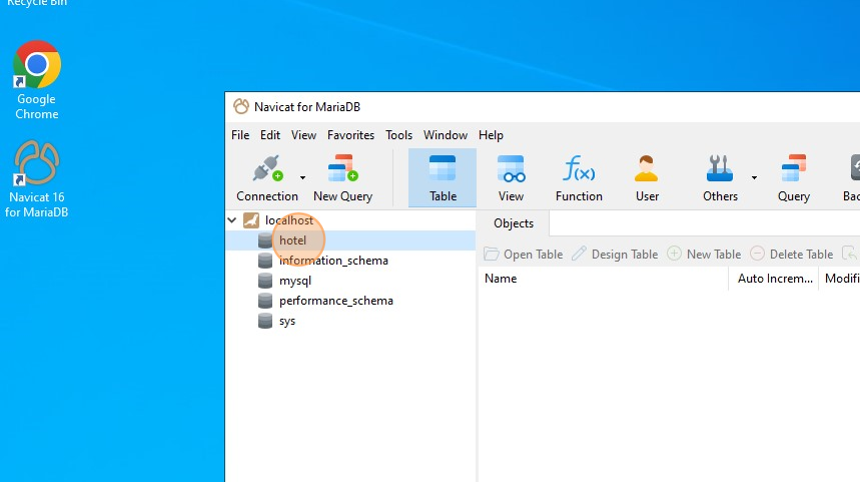
24. Click "OK"

25. Double-click your new database to enter it
Creating a new server user with database permissions
26. Click "User" then "User" again

27. Click "New User"

28. Enter a username and password for the new user

29. Click "Privileges"

30. Click "Add Privilege"

31. Mark the database you wish the user to have access to

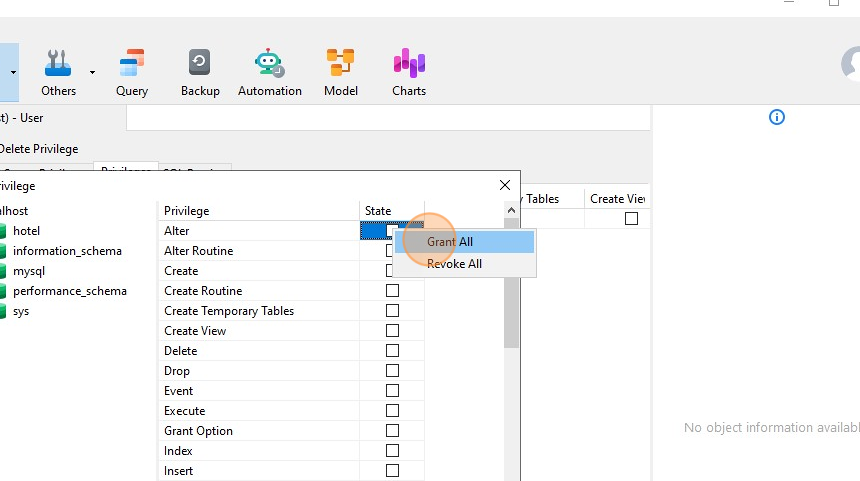
32. Right click under the "State" column

33. Click "Grant All"
34. Click "OK"

35. Click "Save"

36. Your new user has now been created!
Importing a database dump
37. Right click on your database name

38. Click "Execute SQL File..."

39. Click "..."

40. Find the database dump you wish to import

41. Click "Start"

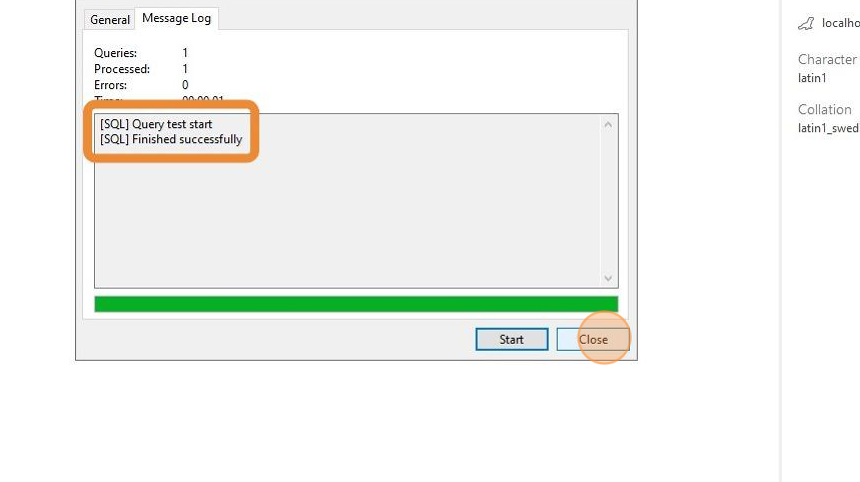
42. The database will now start importing. Make sure it says "Finished successfully" at the end of the log, and read any errors that occur.
Close the window once complete, or press Start to run the import again.